
Hello and Welcome to the Paythepoolman Help Pages!
Do you have a customer telling you that they aren't receiving any emails? Here's a great place to start your investigation of the issue!
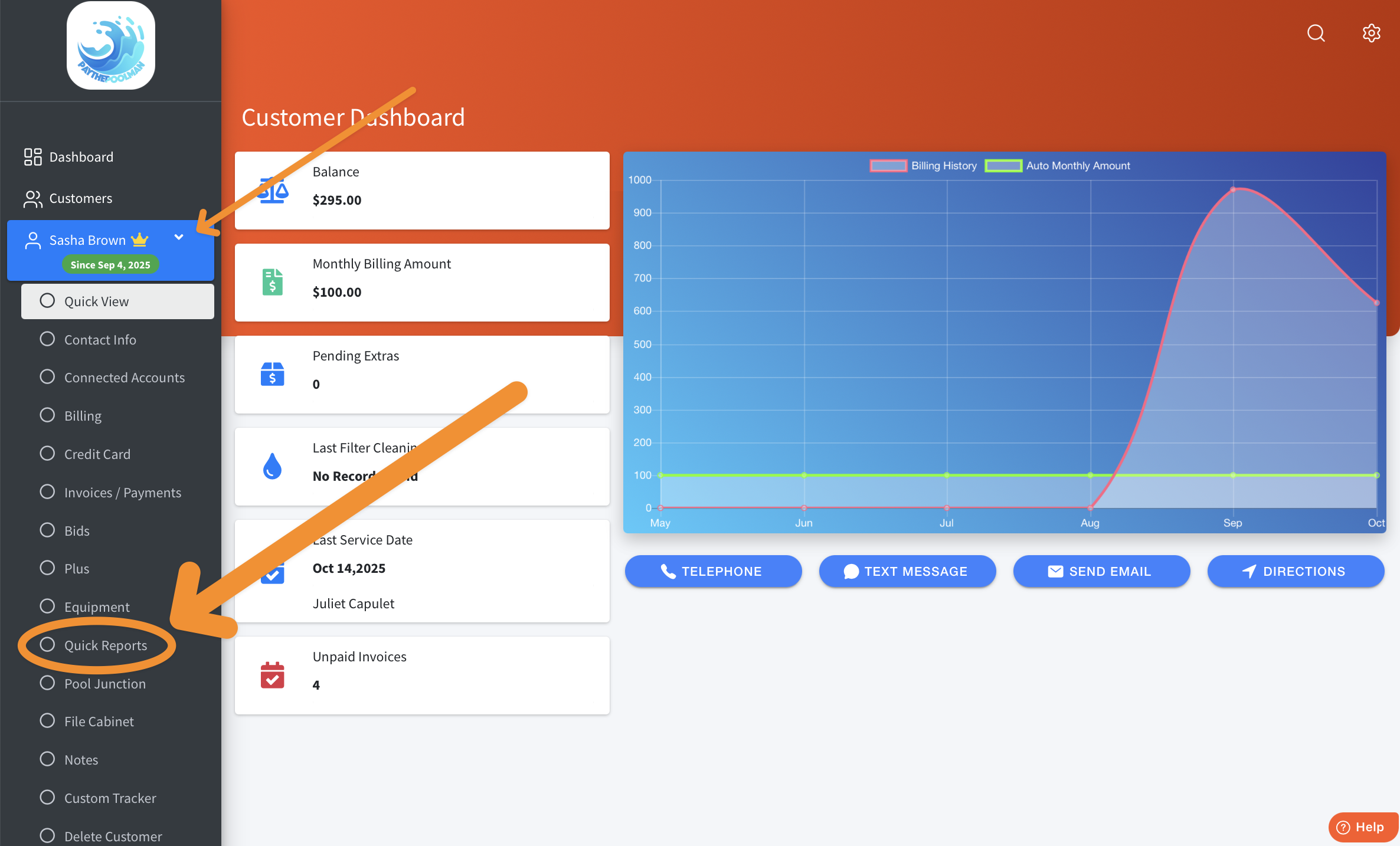
1. First, you'll go the customer's profile, then select QUICK REPORTS from the options on the left of your screen:
2. Here, you'll click on the CHECK EMAIL STATUS Report.

3. This is where you can verify that your customer's emails are being delivered! If you ever see a red box with a "Failed" error, reach out to Customer Support so we can investigate the issue for you!

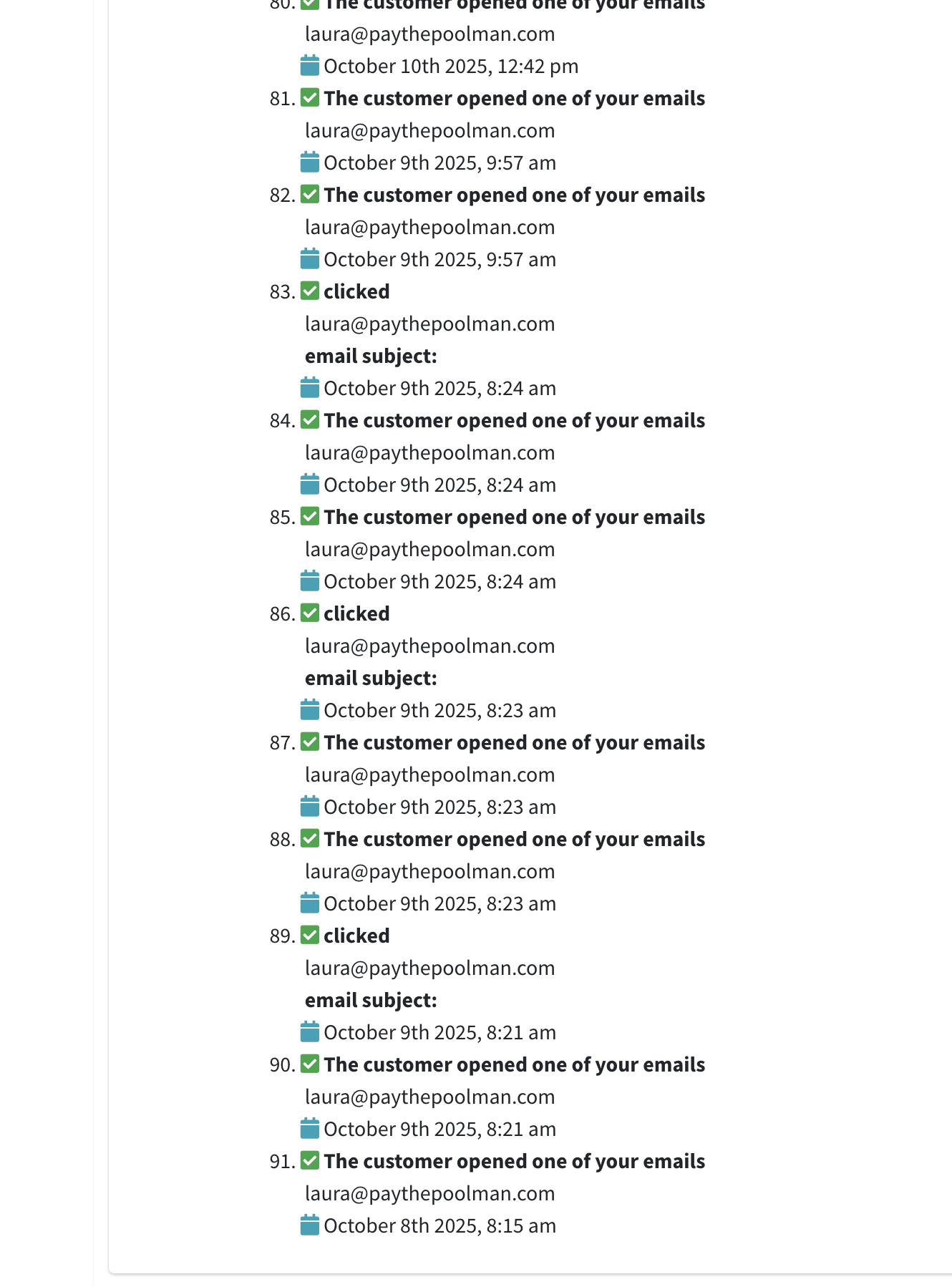
4. If you continue scrolling down, you'll also see corresponding records showing that your customer actually opened the emails:
Be sure to check out our other Help Pages (just click on the HELP button at the bottom right corner of your screen and search by keywords!) and our YouTube Channel with over 100 videos and tutorials!
Here's the link: Paythepoolman YouTube Channel
If you have any other question or need further assistance you can reach out to our Support Team at support@paythepoolman.com or (951) 234 5166.
Office hours: Mon-Fri 8AM to 4PM EST| 5AM to 1PM PST
Have a nice day!