
Welcome to Paythepoolman Help Pages!
Do you need to export your company data? Paythepoolman can do that for you! All of your company data will export in Excel format. Here are the steps on how to do this!
1. Go to your Company Settings by clicking on the GEAR icon in the upper right corner of your screen, then scroll down and select EXPORT DATA:

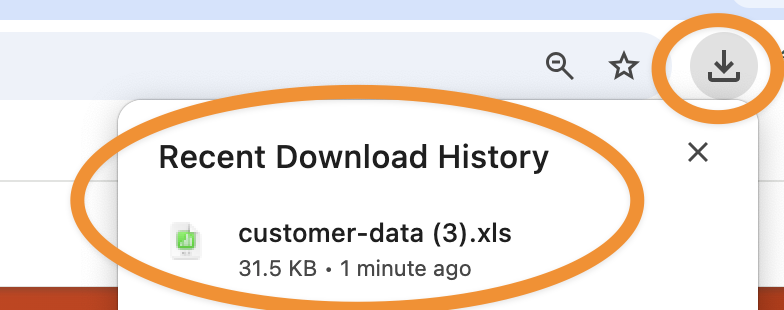
2. Once you click on EXPORT DATA, the download is automatic. Just go to your device's saved downloads to view the file, which will appear similar to the image below:
3. The following data will be exported and viewable by separate tabs:
- Customer List
- Invoices
- Payments, and
- Expenses
If you have any further questions or issues please reach out to our Support Team at (951) 234 5166 or email us at support@paythepoolman.com
Have a wonderful day!